


Duramax Diesel Tuning Software Explained for DIY Owners
Duramax diesel tuning software is the broad category of calibration and analysis tools that let GM Duramax 6.6L owners adjust fueling, boost, shift behavior, and related parameters outside the factory settings. For DIY owners, understanding what this software actually does, and where its responsibility ends, matters just as much as knowing how to click through its menus. This guide breaks down the main categories of Duramax tuning software, walks through a safer workflow for using it, and explains why datalog analysis has become just as important as the calibration tool itself.
Direct answer: Duramax diesel tuning software refers to calibration platforms like HP Tuners and EFILive, handheld pre-loaded tuners, and newer AI-powered datalog analysis tools that help Duramax 6.6L owners adjust and verify a tune. The right combination depends on experience level, build goals, and how much data verification an owner wants before and after a change.
What Is Duramax Diesel Tuning Software?
Duramax diesel tuning software is any tool used to read, modify, or analyze the engine calibration on a GM Duramax 6.6L diesel truck. This includes full ECU flashing suites, handheld pre-loaded tuners, and datalog analysis software that reviews the results of a tune change rather than writing one.
The Duramax 6.6L diesel engine family, introduced in 2001 as a joint venture between General Motors and Isuzu, has powered Chevrolet and GMC heavy-duty trucks for more than two decades, according to Wikipedia. That long production run is part of why a mature ecosystem of calibration tools exists for it today, covering everything from the LB7 to the current L5P. For a deeper platform-specific breakdown, StreetTunedAI's Duramax tuning resource walks through generational differences in more detail.
Types of Duramax Tuning Software DIY Owners Rely On
Most DIY Duramax owners end up using more than one category of software, not just one. Each type serves a different purpose in the overall build.
ECU Flashing Platforms: HP Tuners and EFILive
HP Tuners and EFILive are the two dominant full-access calibration suites for Duramax platforms. They allow table-level edits to fueling, boost targets, transmission shift logic, and emissions-related parameters. Because these tools grant this much control, they also carry the most responsibility; a single incorrect table edit can push EGT or rail pressure outside a safe range. As a result, experienced Duramax tuners rarely make large edits without logging before and after each change.
Handheld Tuners and Pre-Loaded Calibrations
Handheld devices load pre-built tune files onto the truck without requiring the owner to edit individual tables. They're simpler to use, which makes them popular with first-time Duramax owners. However, they offer far less flexibility than a full flashing suite, and troubleshooting an unexpected symptom is harder when the underlying tables aren't visible.
AI-Powered Datalog Analysis Software
A newer category sits alongside flashing tools rather than replacing them: AI datalog analysis software. These tools don't write or flash a calibration file. Instead, they take the CSV datalog already captured through HP Tuners or EFILive and turn thousands of rows of scanner data into a structured report. StreetTunedAI's DuramaxTunedAI is built specifically for this step, flagging which tables and RPM ranges deserve a closer look and what to log next.
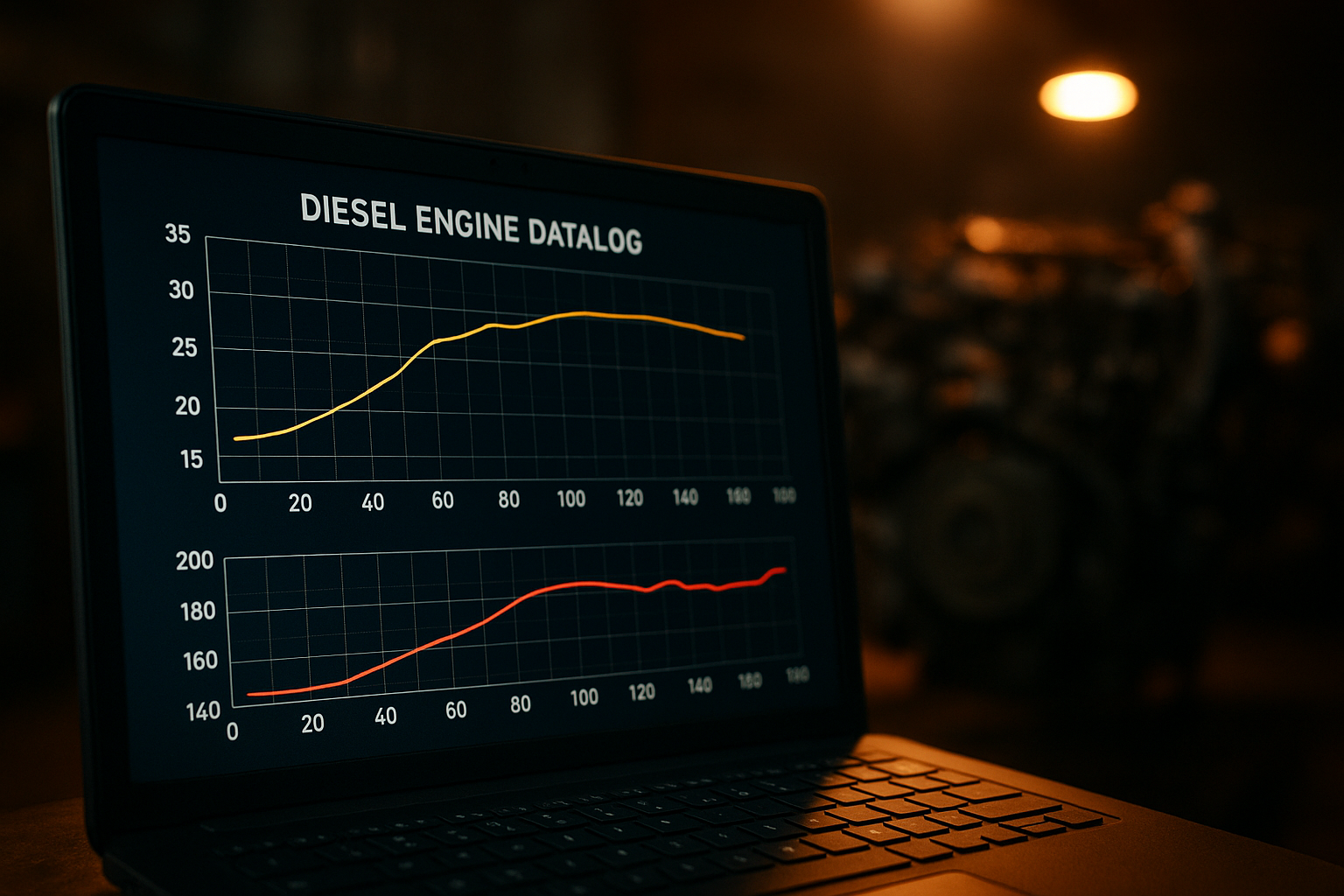
Reviewing boost and EGT traces is a core step when using Duramax diesel tuning software responsibly.
How Duramax Diesel Tuning Software Fits Into a Safe Tuning Workflow
Regardless of which platform an owner uses, a repeatable workflow reduces risk. Consequently, most experienced Duramax tuners follow a version of this sequence:
- Establish a baseline datalog by recording stock or current tune behavior across boost, EGT, rail pressure, and timing before making any changes.
- Review the datalog for safety flags, checking exhaust gas temperature and fueling trends against known thresholds before touching the calibration.
- Make one controlled change at a time in your Duramax diesel tuning software, then log again rather than adjusting several tables at once.
- Compare the new datalog against the baseline, ideally using a side-by-side tune comparison feature, to confirm the change did what was intended.
- Document the result and plan the next logging session so the process stays structured instead of guesswork.
Why Datalog Analysis Matters for Diesel Tuning Software Users
Diesel engines behave differently than gasoline engines under load, which is exactly why datalog review carries extra weight for Duramax owners. Exhaust gas temperature, rail pressure, and turbo boost all interact in ways that aren't always obvious from a single reading. For example, a boost change that looks fine at idle can push EGT into a damaging range under towing load.
In addition, there's a legal dimension worth noting. The U.S. Clean Air Act prohibits tampering with emissions control systems, and the EPA can pursue civil penalties for violations, so owners modifying street-driven trucks should understand where their changes fall relative to emissions equipment. Similarly, the Diesel Technology Forum publishes general background on modern diesel emissions systems that's useful context before modifying any of them. Given these stakes, reviewing a datalog carefully before and after a change isn't optional caution; it's a core part of using diesel tuning software responsibly.
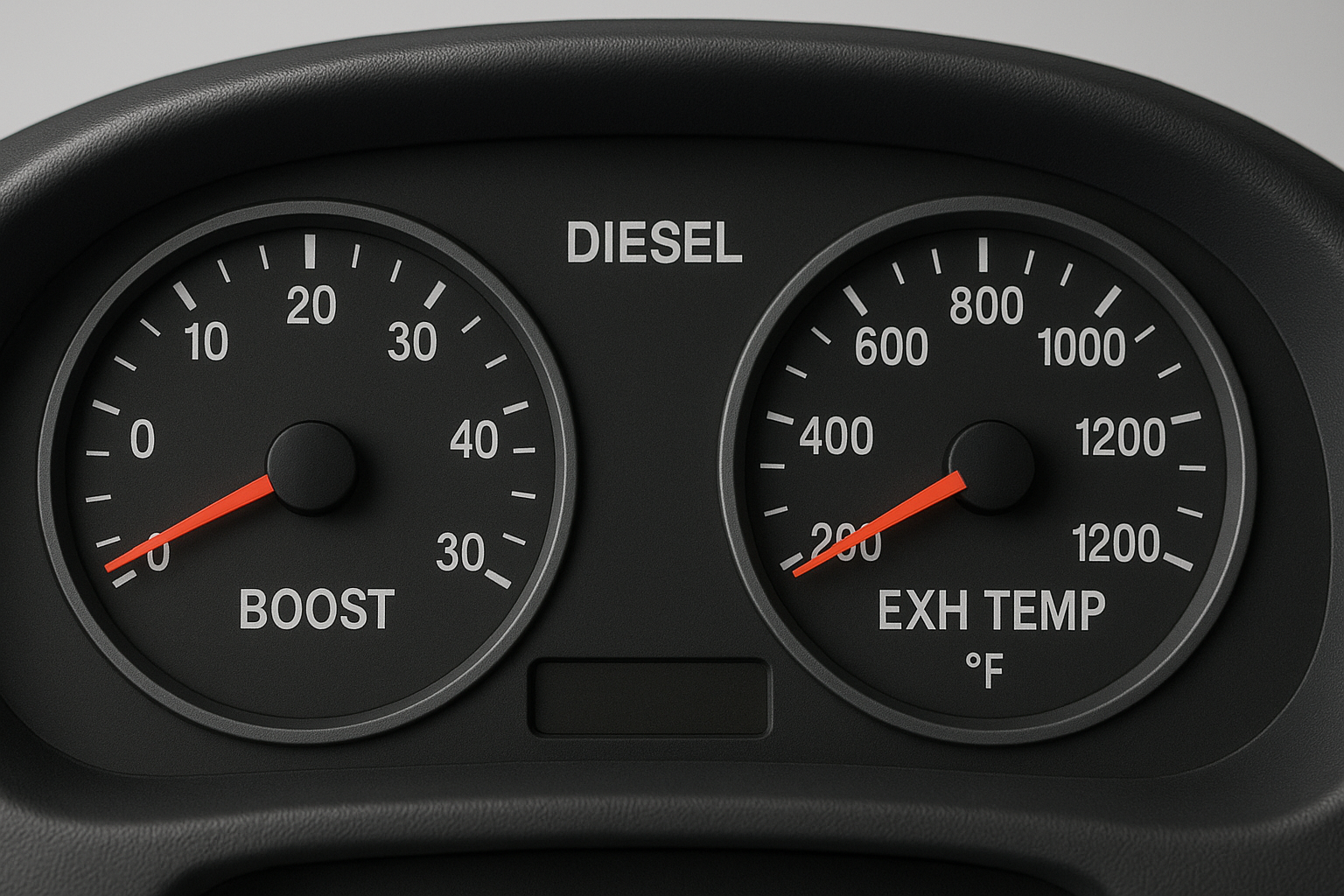
Boost and EGT gauges provide a real-time check alongside any Duramax diesel tuning software report.
Choosing the Right Duramax Tuning Software for Your Build
The right software mix depends heavily on the build goal. A towing-focused owner prioritizing drivability and EGT control has different needs than someone chasing peak numbers with injectors and a bigger turbo. Specifically:
- Daily drivers and tow rigs generally benefit most from conservative calibration changes paired with consistent datalog review.
- Built trucks with supporting hardware need tighter logging discipline since margins shrink as output increases.
- Owners new to HP Tuners or EFILive often benefit from a structured first-log workflow before attempting larger edits.
Some owners also run multiple diesel platforms across their garage. If a Cummins-powered truck is also in the mix, StreetTunedAI's Cummins tuning overview and the Cummins Edition cover the equivalent datalog guidance for that platform, while the Cummins HP Tuners datalog guide is a useful companion read for anyone comparing diesel logging approaches side by side. You can review the full range of platform tools at streettunedai.com.
Common Mistakes When Using Duramax Diesel Tuning Software
Even capable owners run into avoidable trouble with Duramax diesel tuning software. Changing several tables in a single session is one of the most frequent mistakes, since it makes it nearly impossible to know which edit caused which result. Skipping a baseline datalog is another; without a "before" picture, it's hard to confirm a change actually improved anything.
Furthermore, some owners ignore slow EGT creep until it becomes a hard-part failure, rather than catching the trend early in a log. Finally, relying solely on seat-of-the-pants feedback instead of reviewing actual data tends to miss problems that only show up under specific load or RPM conditions.
Frequently Asked Questions About Duramax Diesel Tuning Software
What is Duramax diesel tuning software?
Duramax diesel tuning software is any tool used to read, modify, or analyze the ECU calibration on a GM Duramax 6.6L diesel truck, including flashing suites, handheld tuners, and datalog analysis platforms.
How does Duramax diesel tuning software differ from handheld tuners?
Full software suites like HP Tuners and EFILive let owners edit individual calibration tables cell by cell, while handheld tuners load pre-built tune files with limited adjustability.
Is Duramax diesel tuning software legal to use on the street?
Street legality depends on whether the tune alters emissions controls; the Clean Air Act restricts tampering with emissions equipment, so owners should research local and federal rules before modifying a street-driven truck.
How much does Duramax diesel tuning software cost?
Interface and licensing costs for platforms like HP Tuners or EFILive typically run several hundred dollars, while supplemental datalog analysis tools are often available on subscription or pay-per-review pricing.
How long does it take to learn HP Tuners or EFILive on a Duramax?
Most DIY owners need several weeks of hands-on practice with logging and small calibration edits before they feel confident making larger changes to boost, fueling, or shift tables.
What's the difference between HP Tuners and EFILive for Duramax platforms?
Both read and write Duramax calibrations, but they differ in interface design, supported tables, and community tooling; many owners choose based on which ecosystem their support community prefers.
Can Duramax diesel tuning software analyze datalogs automatically?
Newer AI-assisted tools can review a CSV datalog and flag which channels, RPM ranges, or tables deserve attention, turning raw scanner rows into a structured report instead of requiring manual row-by-row review.
What mistakes do new Duramax tuners make most often?
Common mistakes include changing multiple tables at once, skipping a baseline datalog, and ignoring exhaust gas temperature trends until a hard-part failure forces a reaction.
Do I need a dyno to use Duramax diesel tuning software safely?
A dyno is not strictly required for most street-level calibration changes, but controlled datalogging under repeatable conditions serves a similar verification purpose for many DIY builds.
What channels should I log first on a Duramax?
Boost pressure, exhaust gas temperature, rail pressure, injector duty, and transmission line pressure are typically the first channels worth logging before and after any calibration change.
Can AI tools replace a professional calibrator for Duramax tuning?
No; AI datalog analysis tools are designed to support the owner's decision-making and highlight what to verify next, not to write or flash a finished calibration file.
What's the best way to verify a tune change actually worked?
Compare a new datalog against the pre-change baseline using the same route, load, and conditions, and use a side-by-side tune comparison feature if the software supports it.
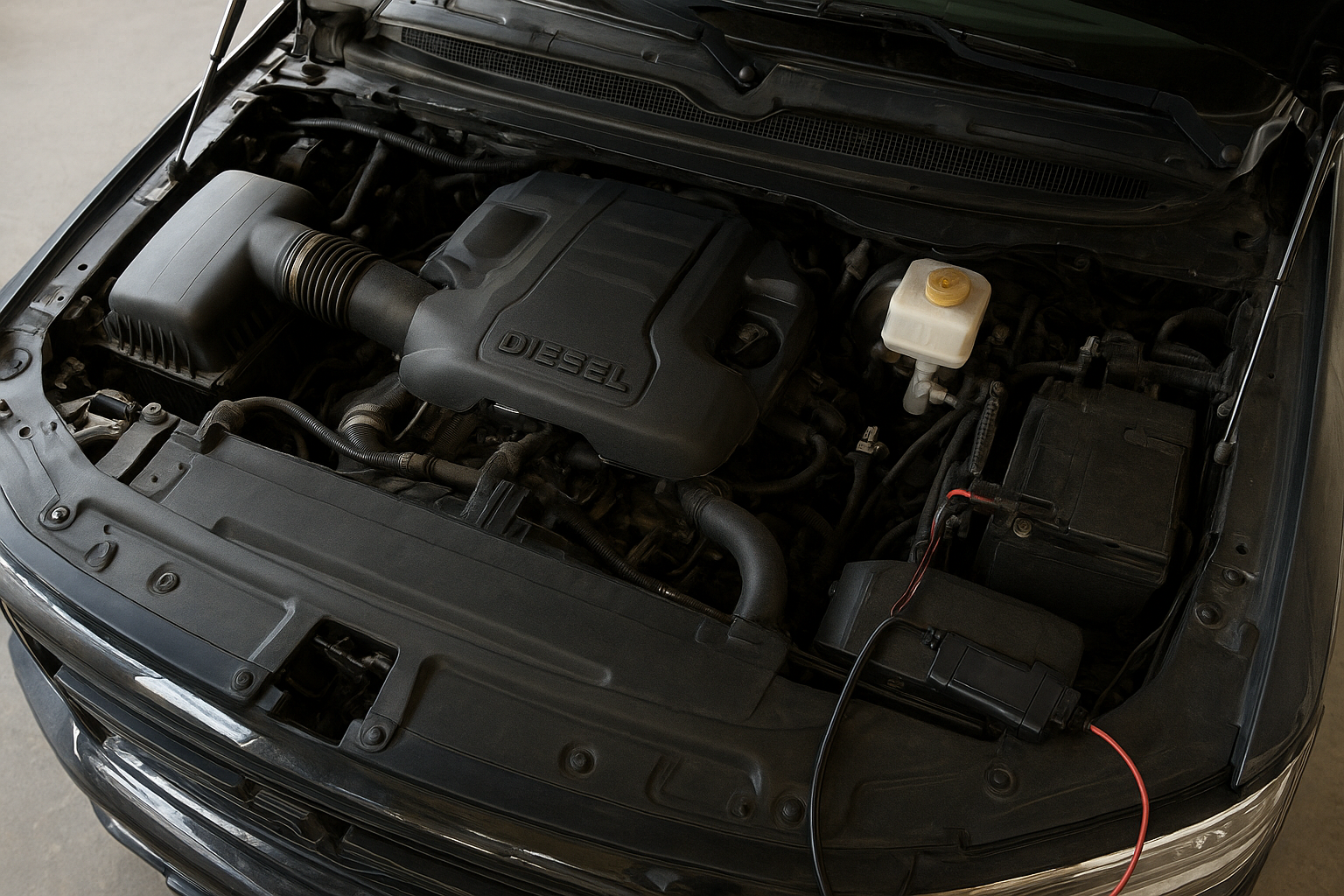
Capturing a clean datalog is the first practical step before trusting any Duramax diesel tuning software report.
In the end, Duramax diesel tuning software isn't a single product, it's a stack of tools that work best together. ECU flashing platforms like HP Tuners and EFILive give owners the ability to make changes, handheld tuners offer a simpler entry point, and AI-powered datalog analysis tools like DuramaxTunedAI help verify that those changes are actually doing what's intended. Therefore, the safest approach for most DIY Duramax owners isn't choosing just one category of software, but combining careful logging with disciplined, one-change-at-a-time calibration habits.